












Sales & invoices
Fast point of sale, deposits and payments, returns with credit notes, one-click printing, and the invoice as a PDF on WhatsApp.
From eye exam and prescription to invoice and delivery: sales and tax invoices, frames, lenses and a lens warehouse by power, a WhatsApp message when the glasses are ready, stock counts, branches and accurate reports. In Arabic and English.
Choose how it runs ↓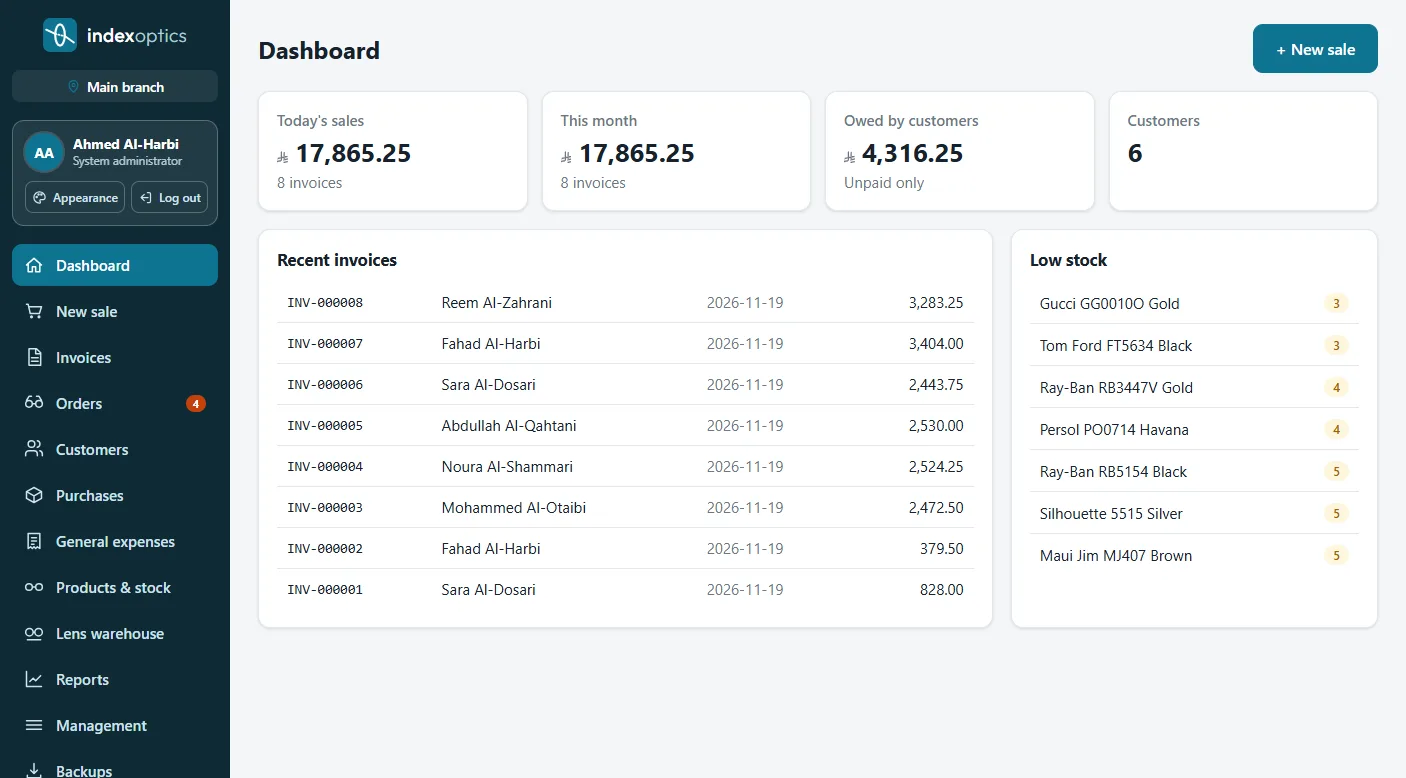
We are preparing the system for Kuwait's requirements. Register your interest and we will contact you as soon as it is available; all the features are below.
Register your interestNot a generic point of sale: every screen follows how an optical store works.
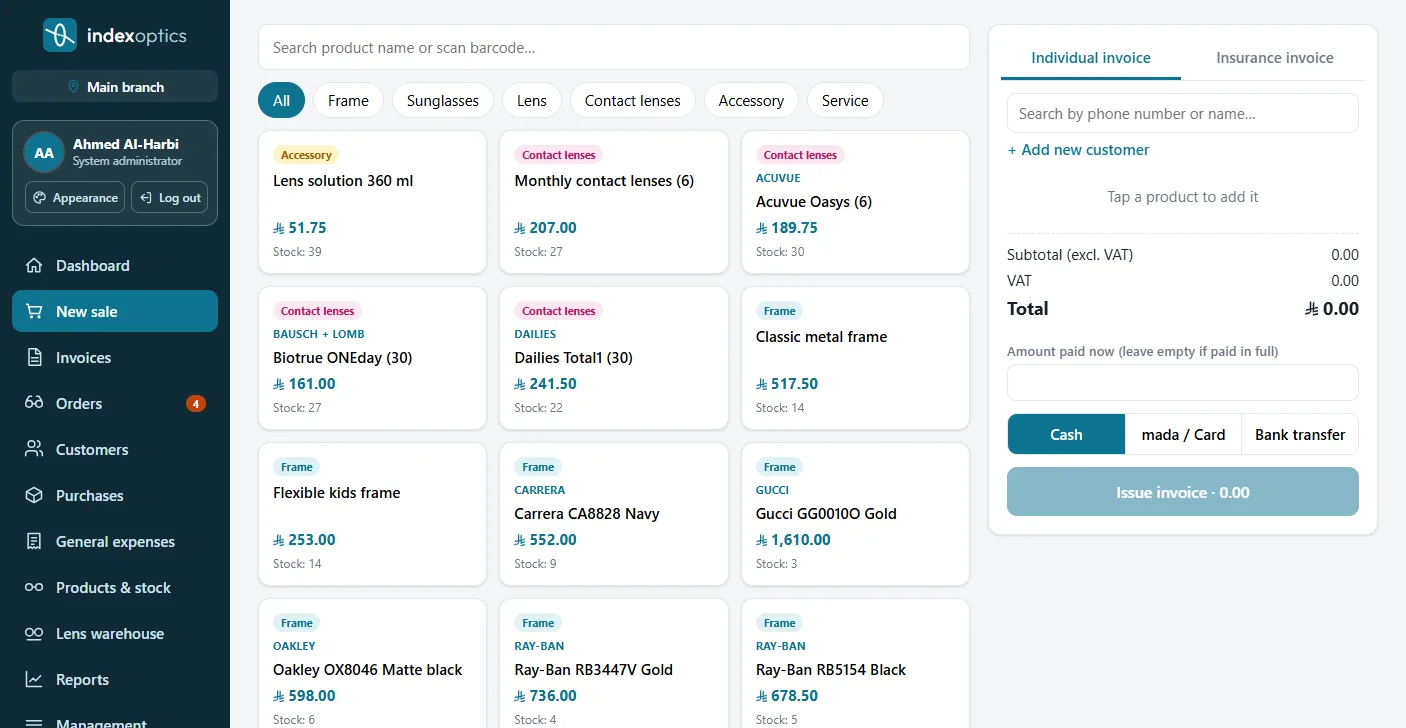
Fast point of sale, deposits and payments, returns with credit notes, one-click printing, and the invoice as a PDF on WhatsApp.
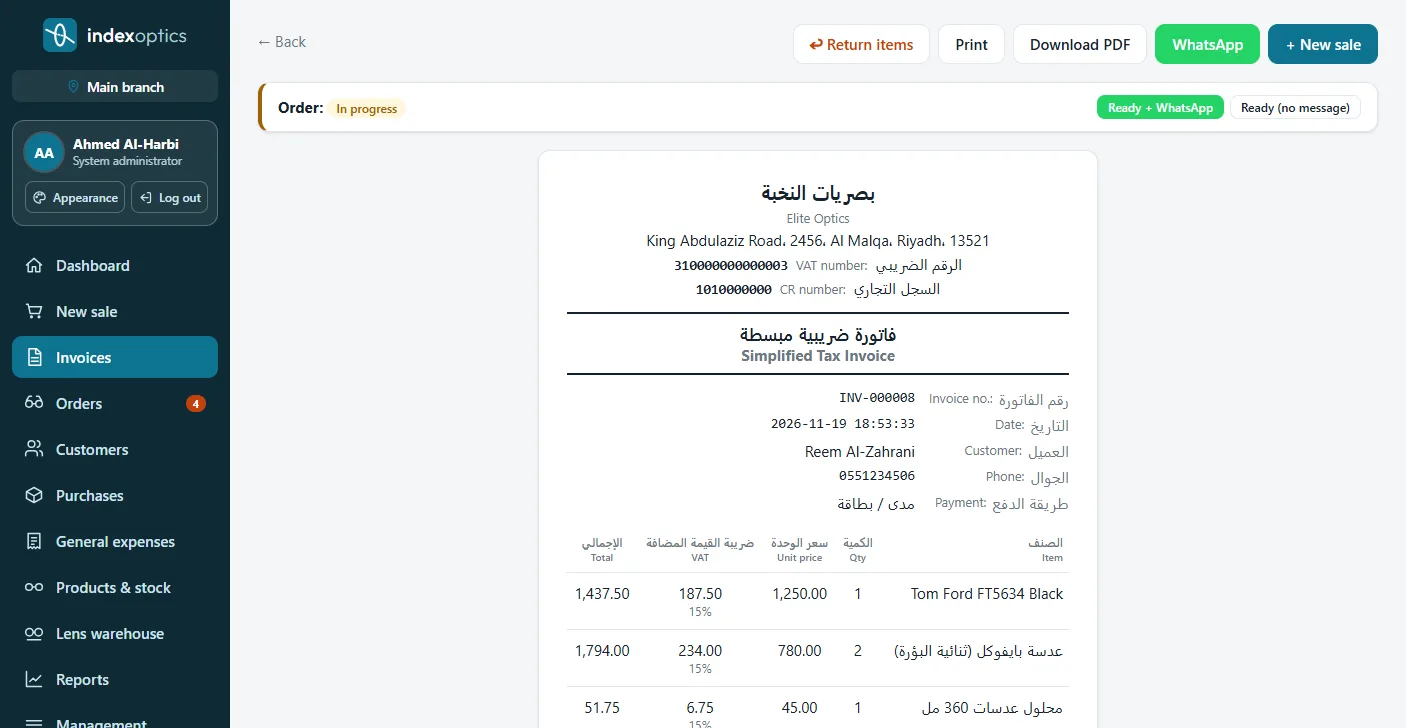
Bilingual invoices with your tax number, and tax per product as your country requires.
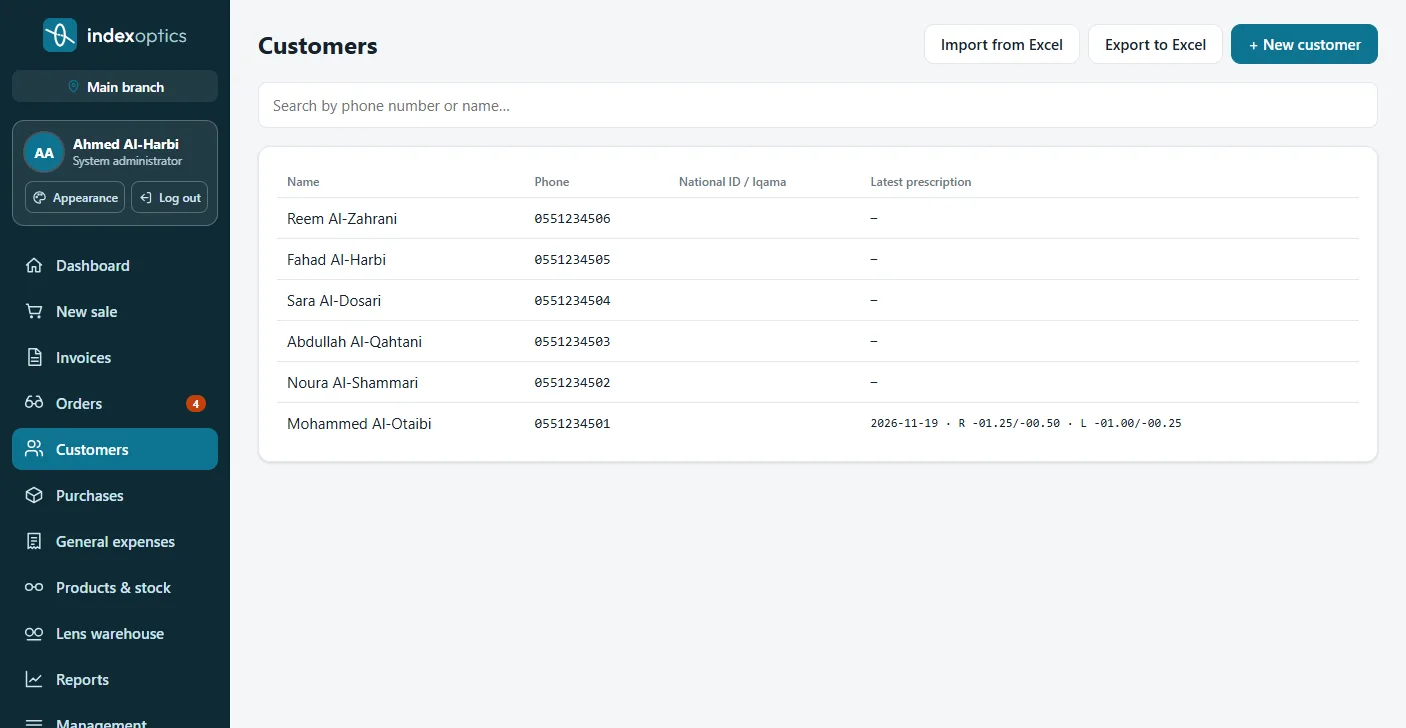
A file per customer with exams and prescriptions (SPH, CYL, AXIS, ADD), shared by all branches, with Excel import and export.
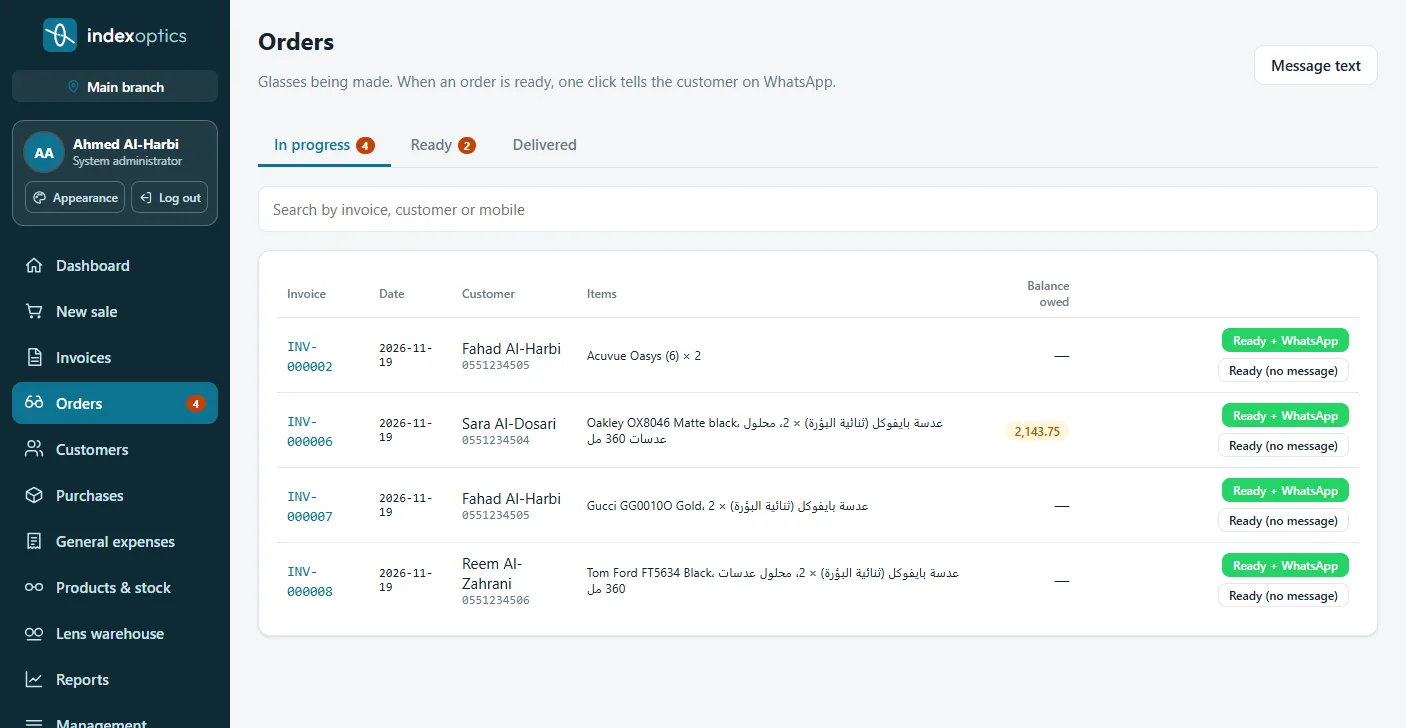
Every pair being made in one list; when it is ready, one click sends the customer a WhatsApp message with the invoice number and balance.
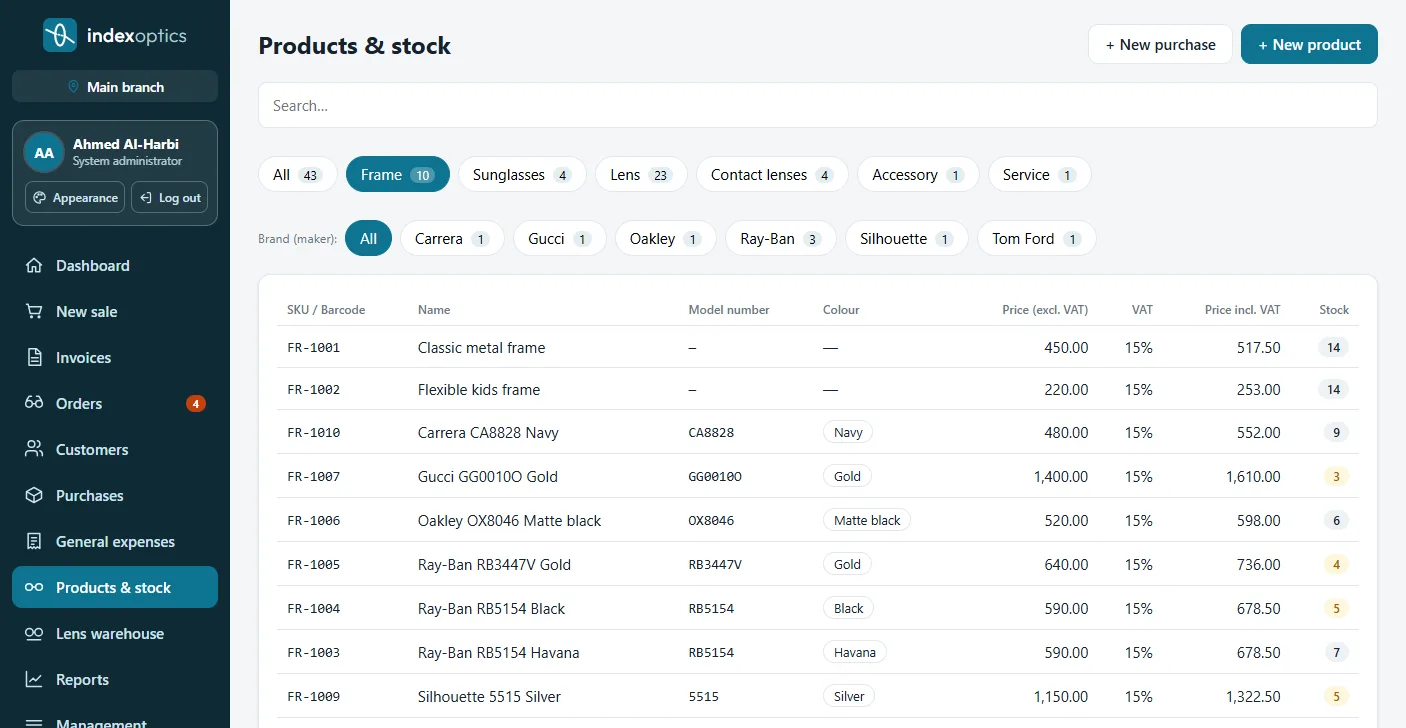
Organised by brand, model number and colour, with the name and code made for you, and "another colour of this model" in one click.
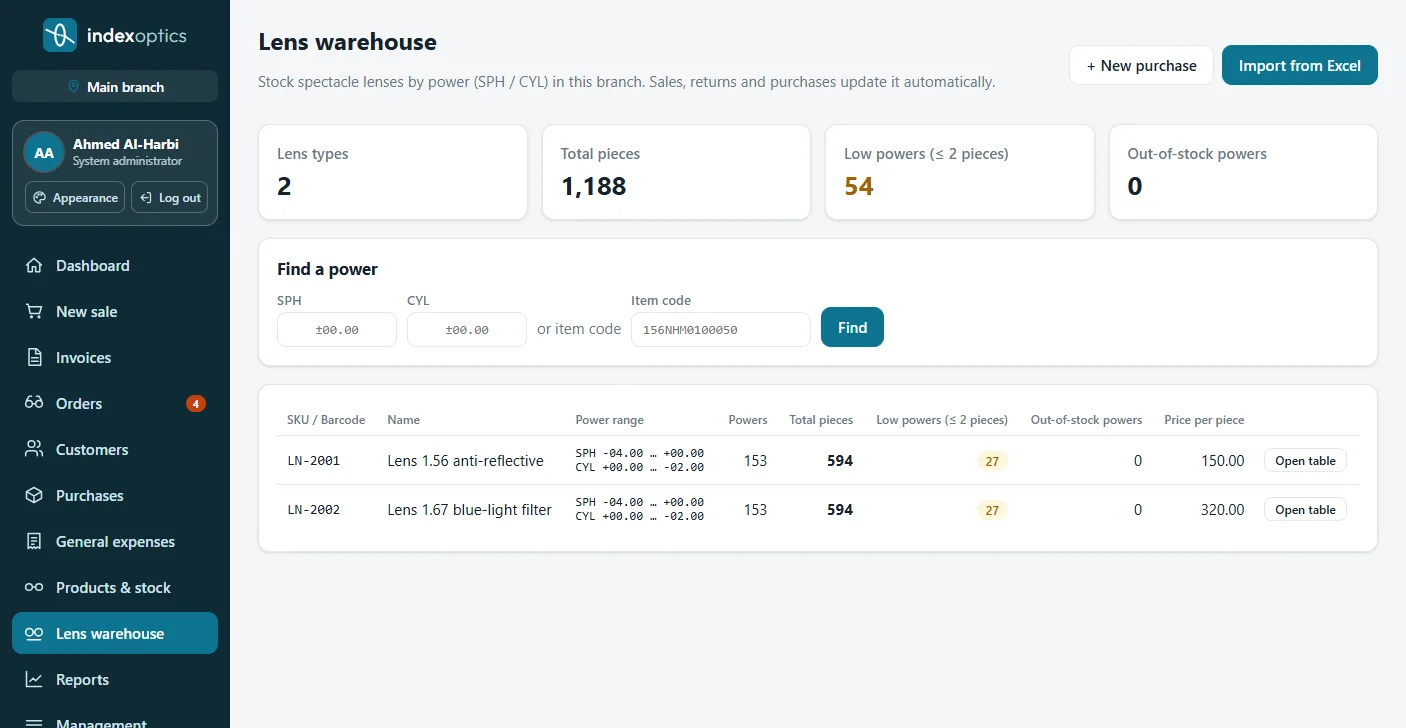
Lens stock per SPH/CYL power, Excel import, and power codes scanned at sale and stock count.
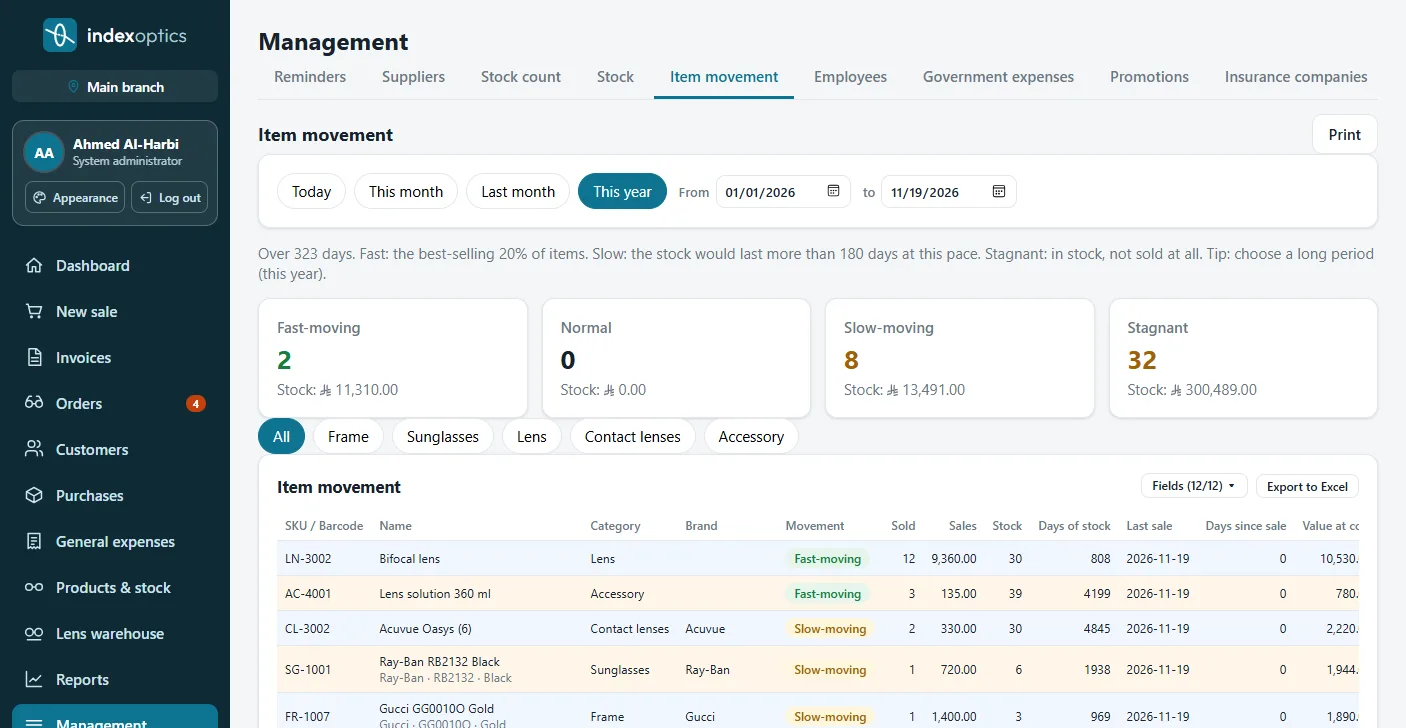
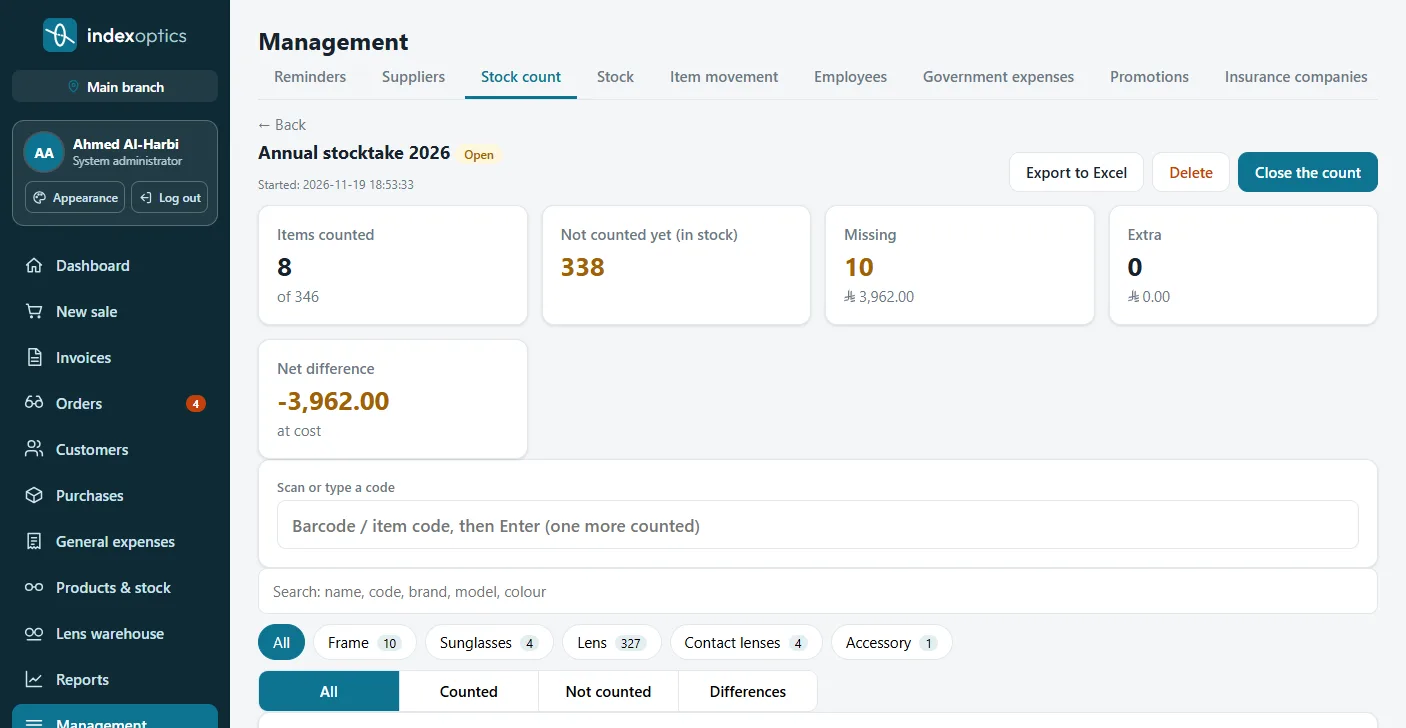
Annual stock count by barcode while you keep selling, missing and extra with their value, and slow / fast-moving items.
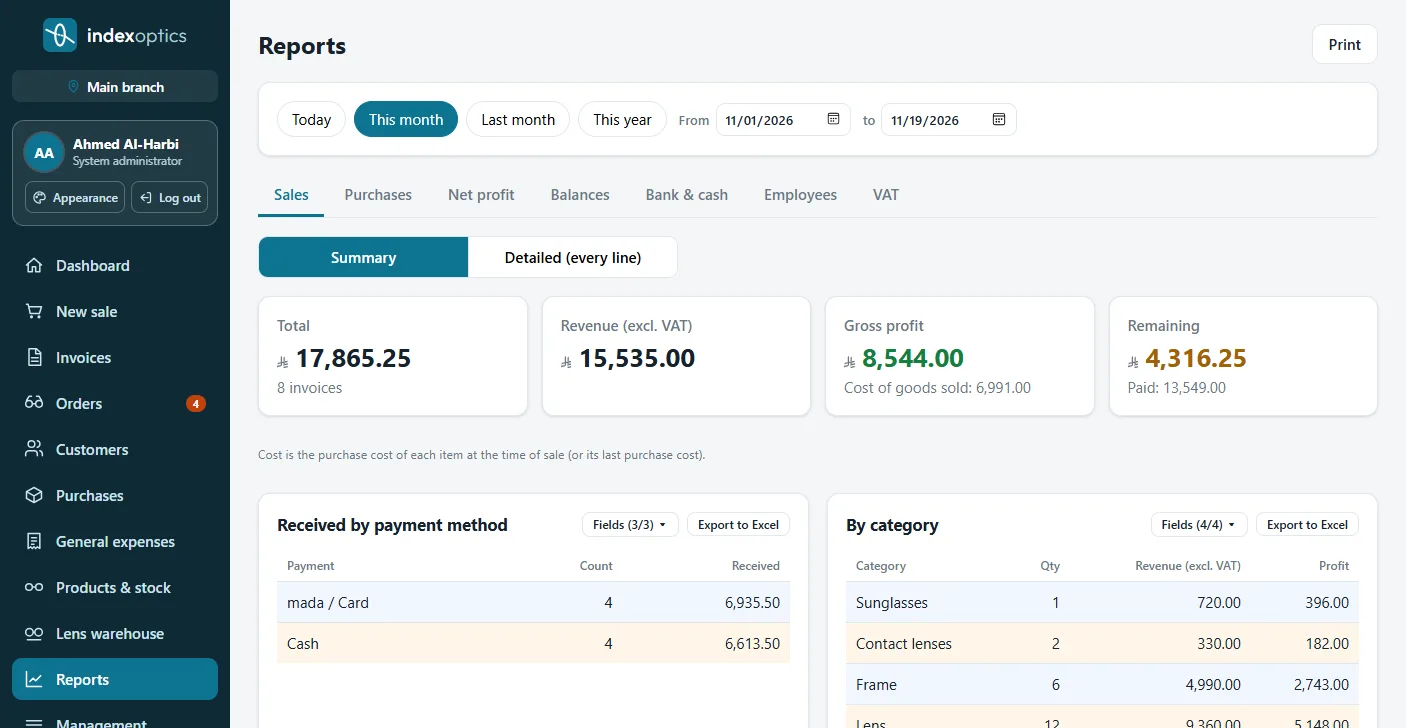
Sales, purchases, net profit, VAT, balances and sales per employee, with professional Excel exports.
Cash and bank accounts and transfers, general and government expenses with renewal reminders, suppliers and purchase invoices.
Employee files and documents with expiry alerts, and payroll with additions and deductions.
Offers to customer groups, sent one after another, remembering who got them; insurers and their shares.
Multiple branches with stock per branch, role permissions, activity log, two-step login and automatic backups.
Real screens of the system (a demo store's data).
The same system and features in all three; they differ in where it runs and where your data is kept. You can switch later.
Runs on the store's computer, no internet needed
Runs on the computer, with a copy in the cloud
From any browser, on any device
| On your computer | Computer + cloud | Full cloud | |
|---|---|---|---|
| Works offline | — | ||
| Data on the store's computer | — | ||
| A copy in the cloud | — | ||
| Follow-up from your phone outside the store | — | ||
| Use from any device | — | View only | |
| Needs installing | — | ||
| Lifetime subscription | — | — |
Sign up in a minute, pick your subscription, then download and try everything for 90 days.
Enter your store and branches, import customers and lenses from Excel, add your users.
Pick how it runs, receive your activation key, and keep all your data.
Yes with "On your computer" and "Computer + cloud": selling, printing and every screen work offline. "Full cloud" needs a connection.
Available now in Saudi Arabia and Bahrain, and in English in the United Kingdom, Ireland, Australia, New Zealand, South Africa and Hong Kong, each with its own currency and tax; coming soon to the UAE, Kuwait, Qatar, Oman and Jordan. For other countries, contact us.
Yes: stock and invoicing devices per branch, customers shared by all branches, and reports per branch or for all.
Yes, customers and lens stock can be imported from Excel files.
Thermal receipt printers and A4 printers, with one-click printing and no dialog.
The system backs up automatically every day, and with "Computer + cloud" your data is also kept in the cloud.
Yes, we move your data as it is from the computer to the cloud or back.
We answer your questions, show you the system live and help you pick the right option.
Contact details coming soon.